Industry Suites · Maritime
Crewing Management System
SuperCrew
SuperCrew runs a manning agency's crewing operation, from candidate to rotation to final pay, with an AI agent in every workspace and your team making the calls.
Start with one module. Add the rest when you are ready.

Jonathan Villamor
Rotation Planning agent
- 07:0014 sign-offs due in the next 60 days
- 07:02Relief scored for each slot9 exact match · 3 promotion-ready · 2 cross-rated
- 07:052 slots with no ready relief flagged
- 07:05Rotation plan waiting on your approval
What it replaces
The crew spreadsheet, the email chain and the coordinator who just knows.
Crew lists kept in spreadsheets that drift out of date.
Principal updates rebuilt by hand from email threads.
Certificate expiries found when a deployment is already at risk.
What SuperCrew does
From candidate to final pay, on one record.
01
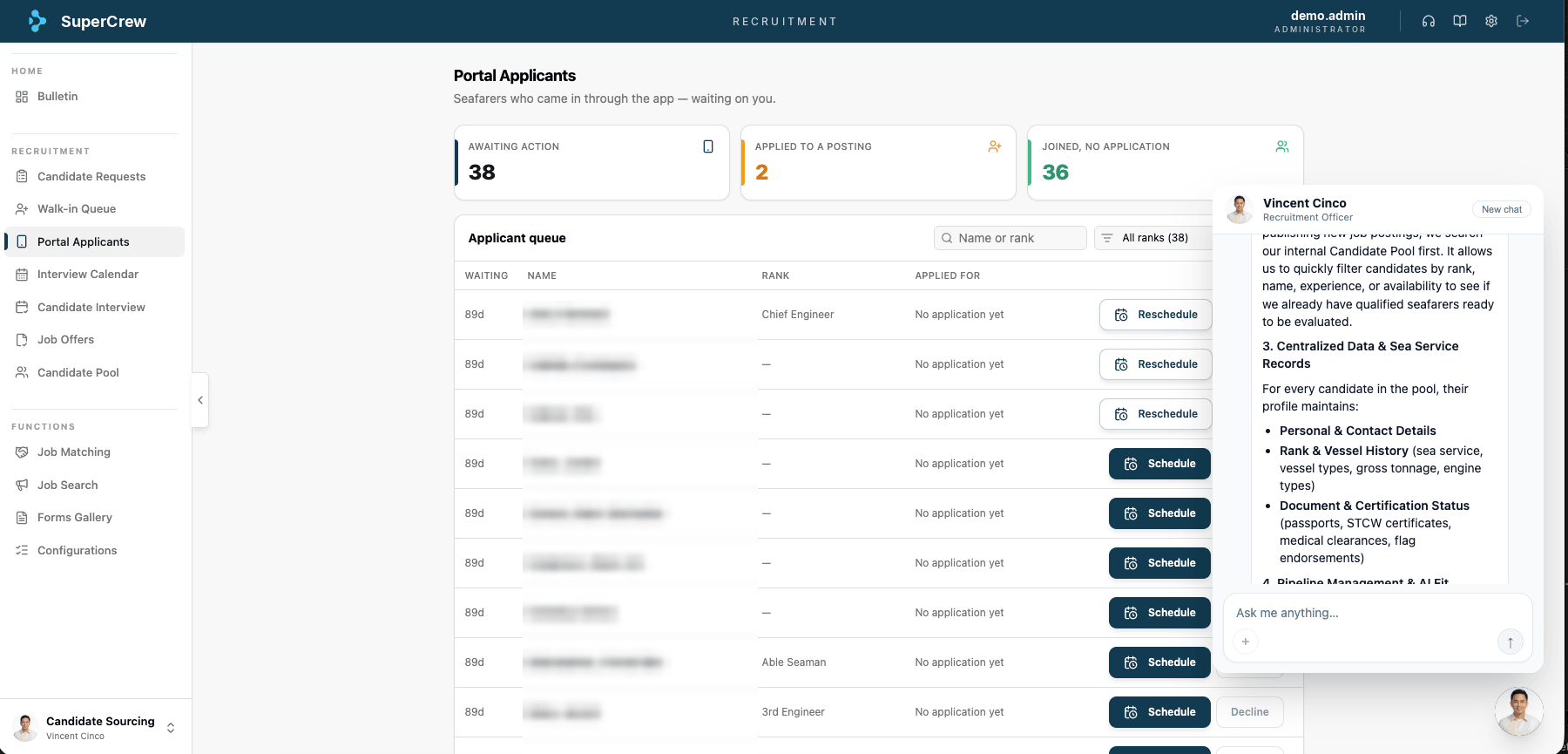
Recruitment
Candidates screened and matched to rank before your team opens the file.
- Applications screened against rank requirements
- Missing certificates flagged on intake
- Shortlists sent to the crewing manager for approval
Recruitment · Portal applicants 02
Rotation planning
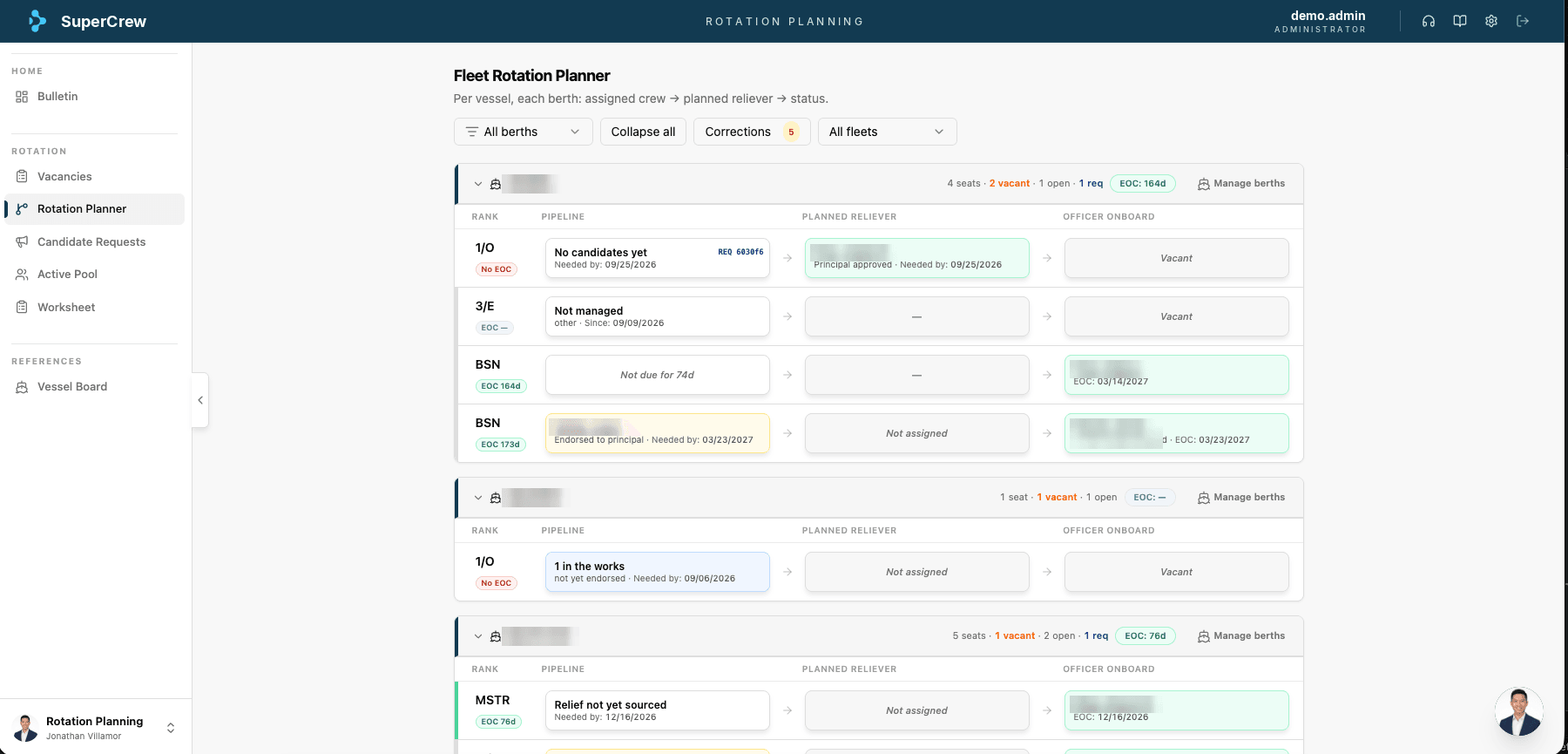
Every slot on every vessel planned ahead, with the right replacement ready.
- Plans built around permanent positions, not single contracts
- Replacements scored: exact match, promotion-ready, cross-rated, step-down
- Sign-off dates tracked against relief availability
Rotation · Fleet Rotation Planner 03
Crew payroll
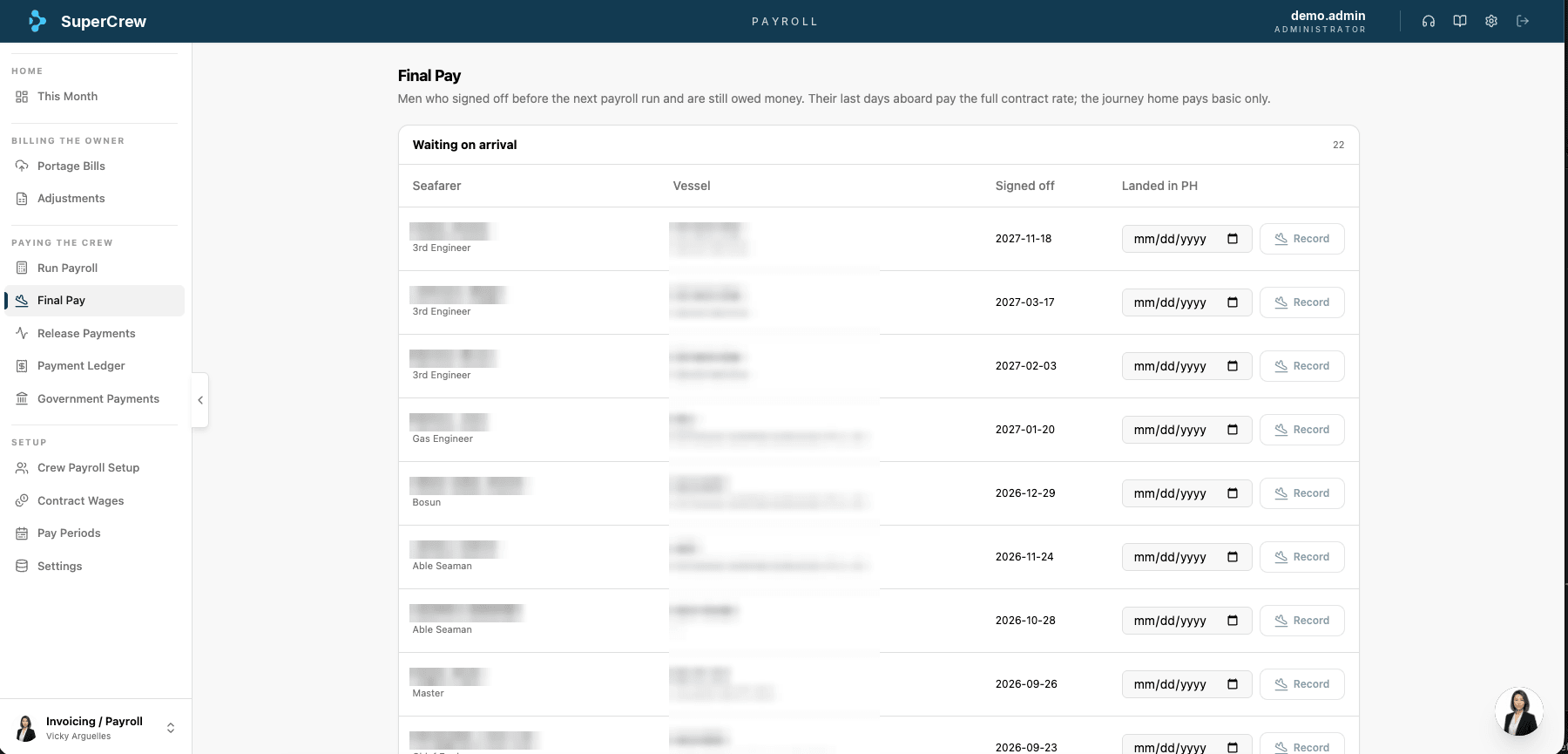
Owners billed and crew paid correctly, down to the last day aboard.
- Portage bills and adjustments billed to the owner
- Final pay for signed-off crew: full rate aboard, basic for the journey home
- Releases, payment ledger and government payments in one place
Payroll · Final pay
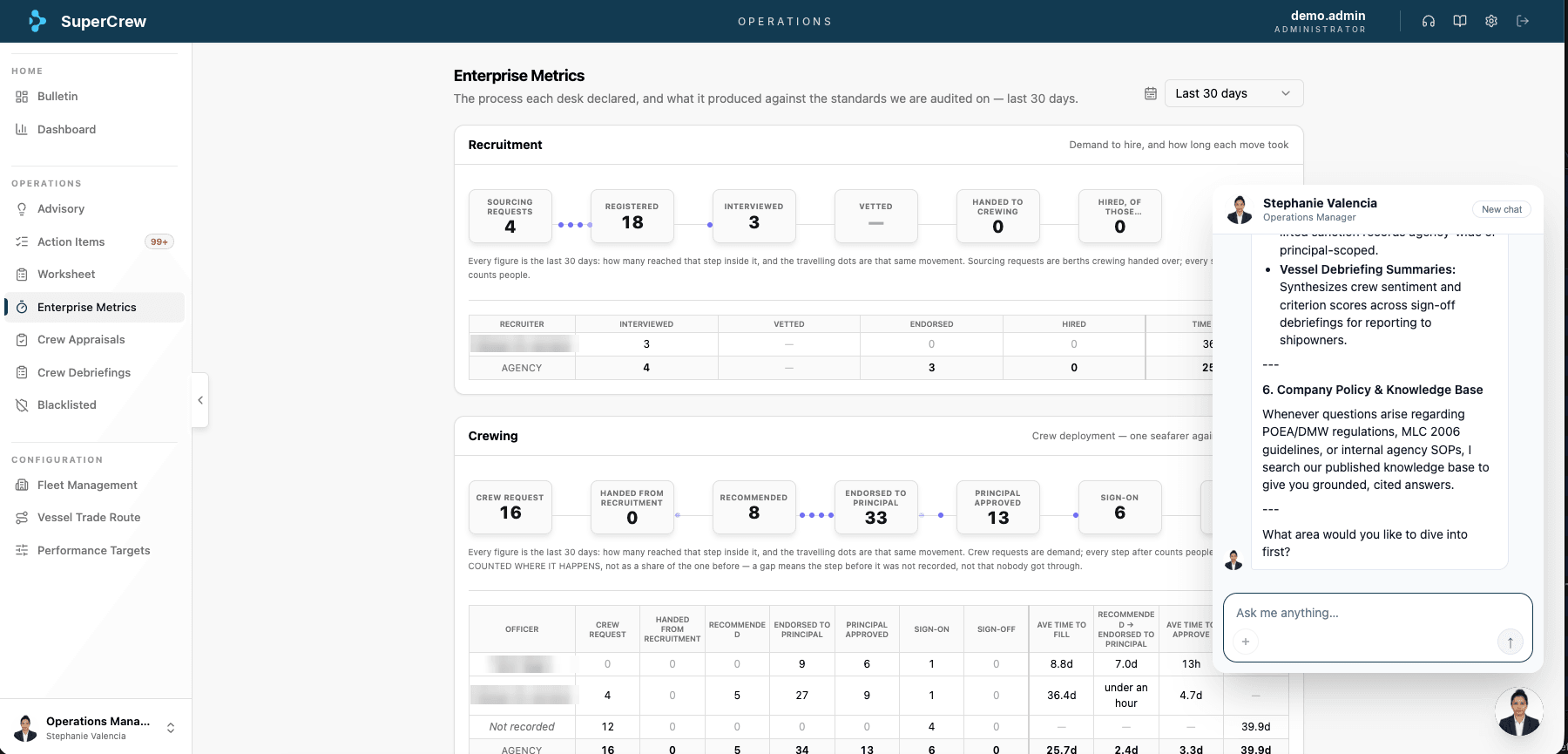
Depzilla Agents in SuperCrew
A named AI agent in every workspace.
Each workspace is a crewing department with an agent running its routine work. Your team approves every decision that matters.
Candidate Sourcing
AI · Vincent Cinco
Rotation Planning
AI · Jonathan Villamor
Deployment Tracking
AI · Nicole Singson
Document Tracking
AI · Marge Monastro
Principal Liaison
AI · Alexia Castillo
Crew Welfare
AI · Elena Santos
Invoicing / Payroll
AI · Vicky Arguelles
Human Resource
AI · Michelle Bali
Administrative Office
AI · Elizabeth Arnedo
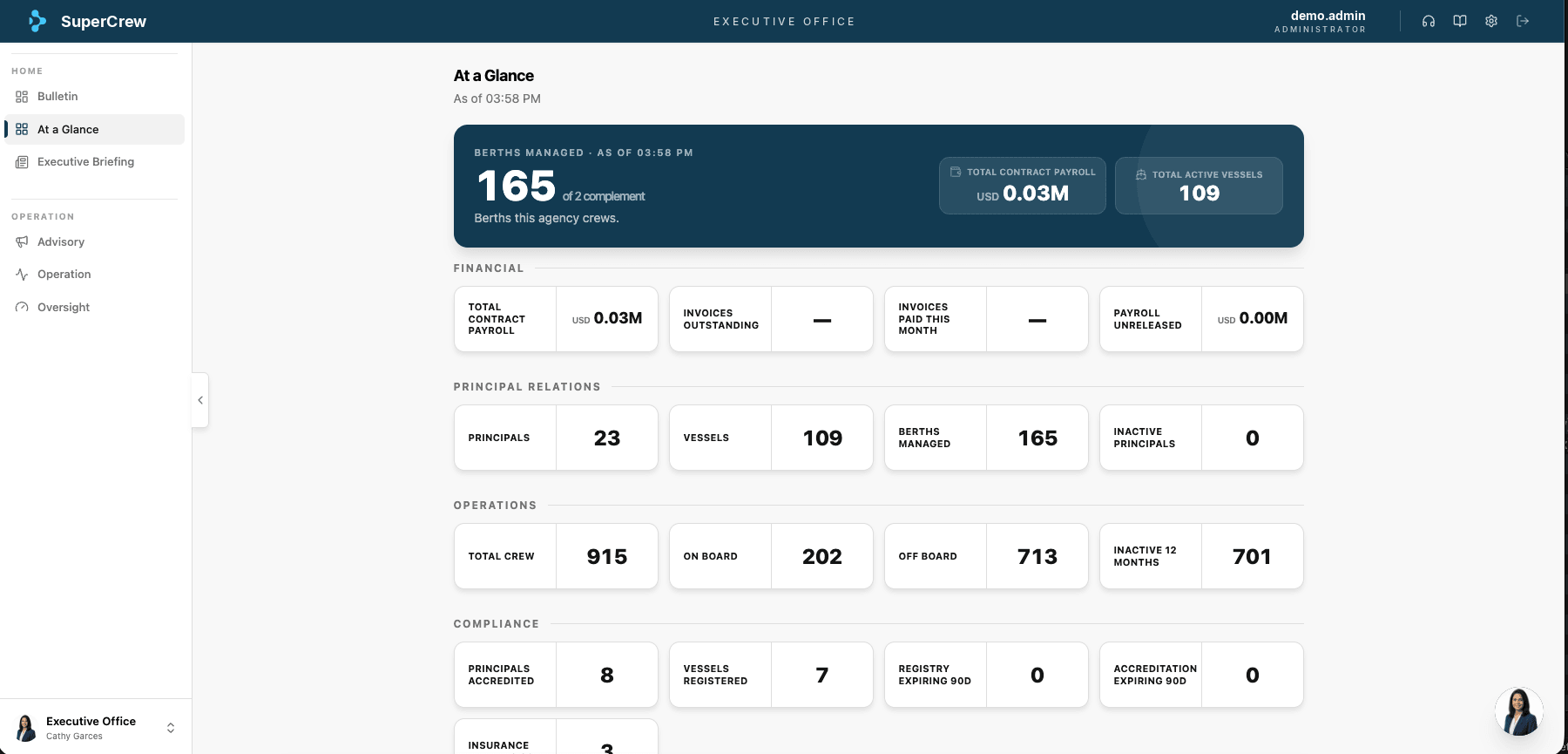
Executive Office
AI · Cathy Garces









Configurable
Buy only the modules you need.
Every module and feature switches on per agency, independently. Recruitment alone is a valid starting point.
Connected
One deployment record across three apps.
SuperCrew for your agency, Seafarr for your seafarers, SuperFleet for your principals. Everyone sees the same deployment.
Governed
Your agency's data stays yours.
Separate tenant per agency, role-based access, and every agent action logged under the 7-Plane AI Trust Model.
Your 30-day go-live
Live on your own crew data in 30 days.
Week 0
Assess
We review your crew data, principals and current process, and pick the first modules.
Weeks 1–2
Configure
Modules switched on, crew records and vessels imported, roles set up.
Weeks 3–4
Go live
Your crewing team and the agents run side by side until the numbers match.
Ongoing
Run
We stay accountable and switch on the next module when you are ready.
From a manning agency using SuperCrew
From a manning agency using SuperCrew
“Through our AI Transformation, SuperCrew's AI-powered systems now give our candidates a superior experience, and everyone on our team loves what they deliver.”

 Jessamyn de VicentePresident and CEO, APOMI
Questions agencies ask
Before you book a demo.
- Can we start with recruitment only?
- Yes. Every SuperCrew module and feature is switched on per agency, independently. Start with one and add the rest when you are ready.
- How do seafarers take part?
- Through Seafarr, the seafarer app. Document requests, schedules and sign-off countdowns reach them on their phone.
- How do principals see our work?
- Through SuperFleet, the principal portal, which shows deployment status from the same records your team uses.
- Is our crew data separate from other agencies?
- Yes. Each agency is its own tenant, and every query runs inside that tenant's context.
Talk to us
See SuperCrew run your crewing operation.
A 30-minute walkthrough on your own crew data: where the delays are, which modules to start with, and a price sized to your agency.
Book a SuperCrew demoNo pitch. No obligation. You keep the diagnosis either way.